On This Page
Activate a Webhook Subscription
This section describes how to activate a webhook subscription.
This request requires the webhook subscription ID. The subscription ID is in the
webhookId
response field from the create a webhook
subscription
request.Endpoints
Send a PUT request to one of these endpoints. The
is the webhook subscription ID.
{webhookId}
- Test:PUTapitest.cybersource.com/notification-subscriptions/v2/webhooks/{webhookId}/status
- Production:PUTapi.cybersource.com/notification-subscriptions/v2/webhooks/{webhookId}/status
- India Production:PUT https://api.in.cybersource.com/notification-subscriptions/v2/webhooks/{webhookId}/status
Example: Activate a Webhook Subscription
Request
PUThttps://apitest.cybersource.com/notification-subscriptions/v2/webhooks/ddb9bced-c3e3-1b1d-e053-9c588e0a3c42
Response to a Successful Request
{
  "status": "ACTIVE"
}
Response Codes
A successful request is indicated by the 200-level response code.
For more information about all of the possible
response codes you can receive, see
.Transaction Response
Codes
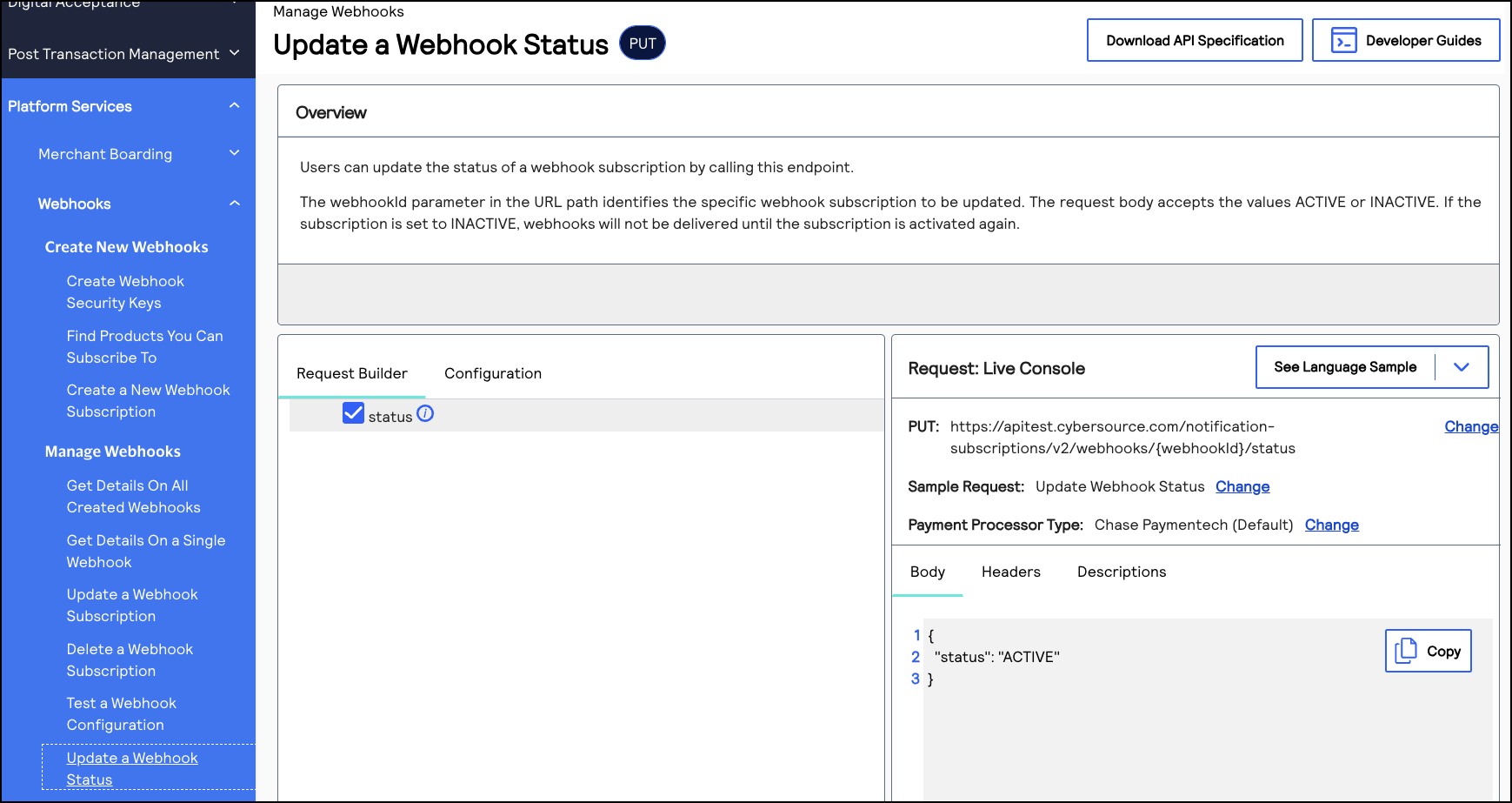
REST Interactive Example: Activating a Webhook Subscription
Click this image to access the interactive code example for activating a webhook
subscription.
Figure:
Activating a Webhook Subscription