On This Page
Starting the Acceptance Devices App Server
To process payments on your Android device using the Acceptance Devices app and your
point-of-sale (POS) system, you must start the Acceptance Devices app server on the
Android device.
Start the Acceptance Devices App Server
Before you can start the Acceptance Devices app server, you must activate an Android
device in the Acceptance Devices app. For more information, see Activating an Android Device in the Acceptance Devices App.
Follow these steps to start the Acceptance Devices app server:
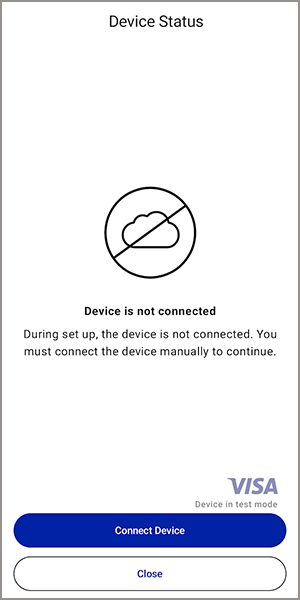
- Before you start the server, the Device Status screen shows theDevice is not connectedmessage. TapConnect Device.
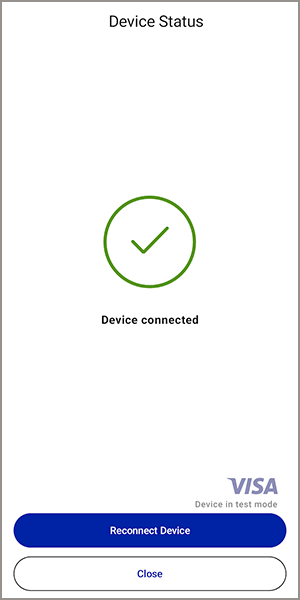
- After you start the server, the Device Status screen shows theDevice connectedmessage. The Android device is activated and ready to accept transactions.
- Tap the back navigation arrow to finish setting up.