On This Page
Transaction Workflow for the Tap to Pay on iPhone Solution
This diagram shows the transaction workflow for the Tap to Pay on iPhone Solution.
Figure:
Tap to Pay on iPhone Solution Transaction Workflow
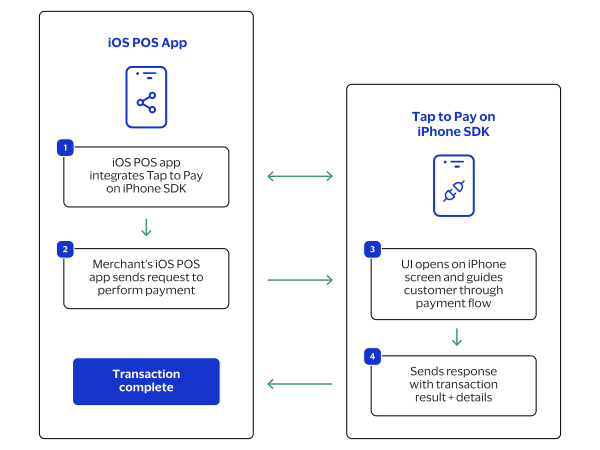
- The iOS point-of-sale (POS) app integrates to the Tap to Pay on iPhone SDK.
- The merchant's iOS POS app sends a request to the Tap to Pay on iPhone SDK to process a payment.
- The Tap to Pay on iPhone SDK user interface (UI) opens on the iPhone screen and guides the customer through the payment flow.
- The Tap to Pay on iPhone SDK sends a response with the transaction result and details to the iOS POS app.